










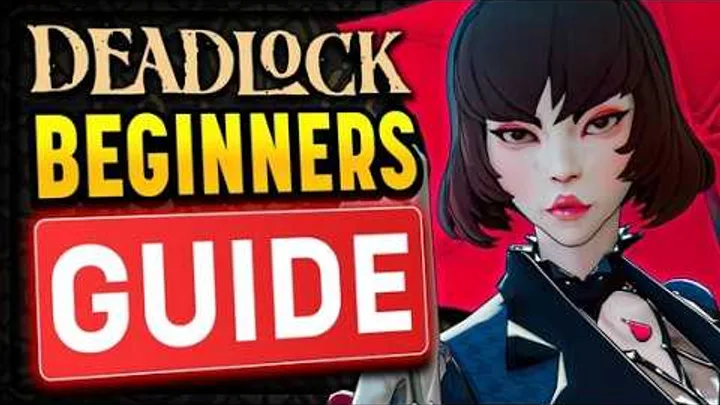
The Complete Deadlock Beginner’s Guide
A walkthrough for your first matches, from basic controls and hero abilities to the shop and lane objectives.
Watch Paz on YouTube
A community wiki for Valve’s Deadlock
Study the heroes, items, and rituals of the Cursed Apple. Check ability upgrades, compare shop items, or review recent balance changes before you queue.
 SpellslingerTier 4 Weapon ·
 Radiant RegenerationTier 3 Spirit ·
 BerserkerTier 3 Weapon ·
Learn Deadlock from players who explain the first match, the item shop, and the decisions you make between fights.
A walkthrough for your first matches, from basic controls and hero abilities to the shop and lane objectives.
Watch Paz on YouTube
A long-form guide for learning how Deadlock’s systems fit together. This link opens at 5:24.
Watch Toko on YouTube
An updated beginner guide you can revisit as you get comfortable with the pace and decisions of a match.
Watch Metro Deadlock on YouTubeUse this wiki to prepare for a match, understand what happened in a fight, and decide what to practice next.
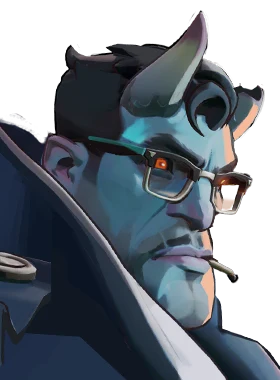
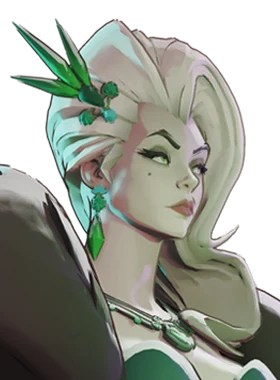
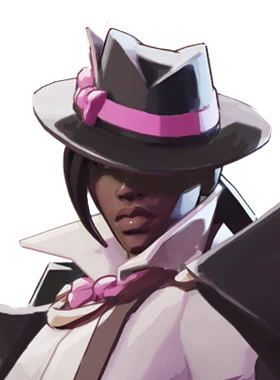
Start with a hero whose playstyle you can explain in a sentence. Open their dossier and read the weapon, base stats, and ability descriptions together. A good initiation ability matters more when you know how to get close enough to use it and how to leave when the fight goes badly.
Pick one thing to learn first, such as an ability’s range or the upgrade that changes how it works. Compare that detail with another hero’s kit when you want to understand a matchup.
Compare hero kits and upgradesRead an item’s active effect and passive bonuses before buying it. If you already have enough damage to threaten the opposing hero, sustain, mobility, or a defensive effect may give you more chances to use that damage. Before saving for an expensive item, ask what a cheaper purchase would let you do immediately.
Check the item page for its Soul cost, category, and build path. Look up any effect you cannot explain in the wiki, especially when it depends on landing a hit, activating the item, or staying in a fight.
Compare shop prices and item effectsPay attention to where the trooper waves meet. The wave tells you where your team can gather Souls and what a defender may have to give up to leave the lane. Before helping another fight, look at the next wave and think about who can catch it if you leave.
Learn how confirming and denying Soul orbs affects each trade. If a fight makes you miss several troopers, compare what your team gained with the farm and pressure you lost. That habit makes it easier to spot rotations worth repeating.
Study trooper waves and Soul rewardsLearn one approach and one exit for the area you fight in most often. Note the walls that break line of sight, the routes that let you reach friendly ground, and where reinforcements could arrive. A shortcut saves time when it is safe. The same route can cost a fight if it leaves you exposed to someone you cannot see.
Practice dashing, sliding, and reaching nearby ledges between fights. Keep track of the stamina you need to disengage, especially when an ability or item is on cooldown.
Practice movement and stamina managementWhen you open a community build, start by identifying its first important purchase and the problem it is trying to solve. Check which purchases depend on your hero’s weapon, Spirit scaling, or ability upgrades. Then decide which part of the order you can change if your lane goes poorly.
Use the build creator to compare early, mid, and late purchases and total Soul cost. Add a note about when you would buy defense sooner or delay a luxury item. A short explanation makes a shared build easier for someone else to use.
Plan a purchase order in the build creatorAfter an update, check the heroes and items you actually play. Read the changed effect in context. A cooldown adjustment can change when you commit to a fight, while a shop price change can affect what is available at an important point in the lane.
Watch a creator’s explanation if you need to see how a mechanic works in a match. Then try one specific change yourself and keep a note of the results. When a guide and an item page disagree, use the patch history to check when the difference was introduced.
Find the latest balance changesFind teammates, discuss the game, and tell us what the archive is missing.